Fleet Guide 3/7 — Car Documents: Insurance, Inspection and Tax
Never let an insurance or inspection expire unnoticed: record each car's insurance, inspection and tax with their validity dates, and the system watches them and warns you with “valid / due soon / expired” indicators.
🚗 Fleet Guide Series — Part 3 of 7 · Stage: Documents · Full series index
What you will learn
- Record a car's insurance and its expiry date.
- Record periodic inspection and track its validity.
- Track vehicle taxes and their due dates.
Why separate pages for documents?
Each car has documents that expire on different schedules from maintenance: insurance, periodic inspection, tax. Their dedicated pages store the validity dates and compute each document's status for you — valid · due soon · expired — so you renew before, not after. Expired documents also surface in the “car alerts” on your dashboard.
Car insurance
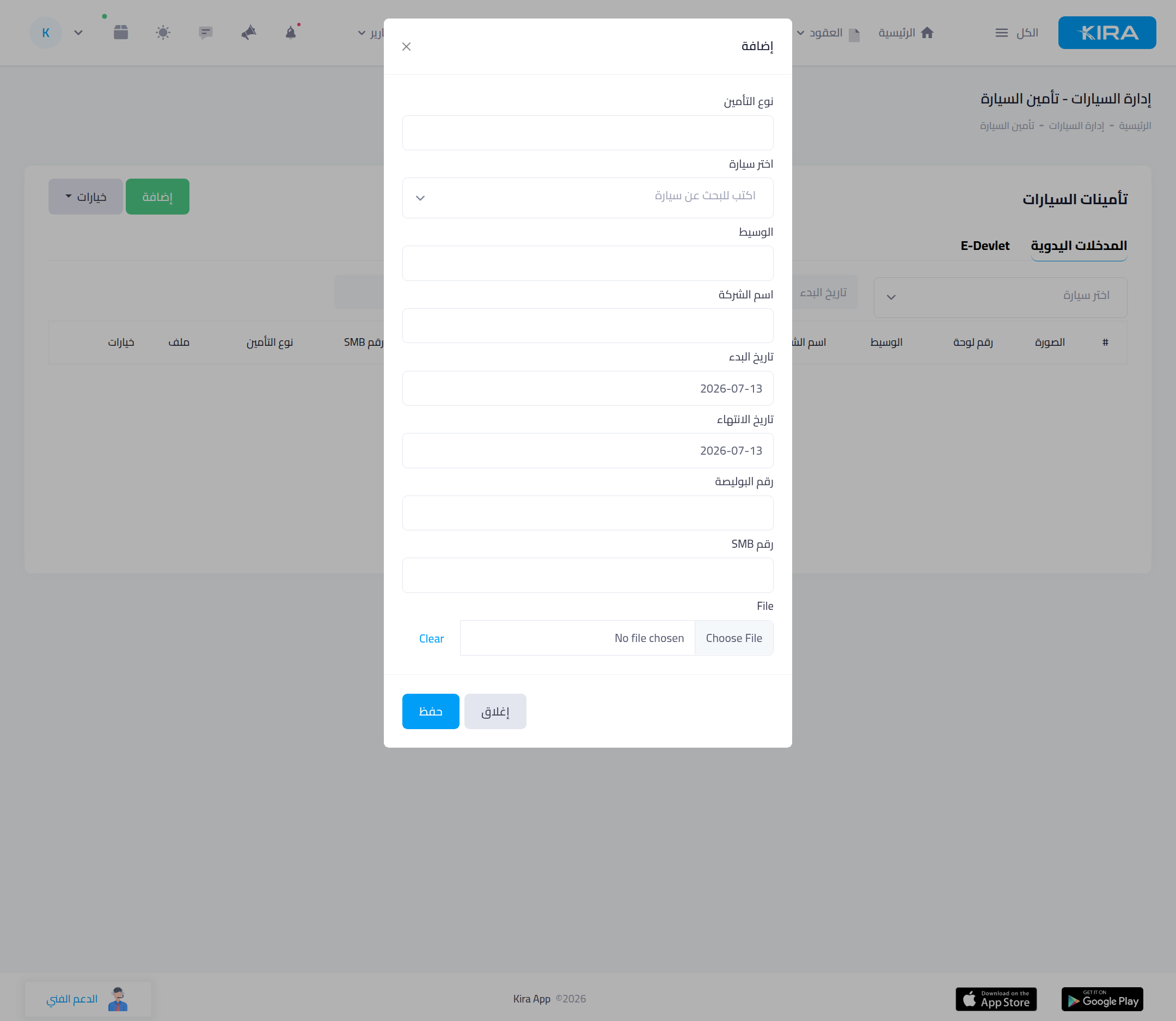
From “Cars → Car insurance”: a list of every policy — plate, insurer, start date, finish date, policy number. Add one via “Update insurance manually” (pick the car, enter the insurer, dates, policy number, and upload the document). The system watches expiry and alerts you.
Car inspection
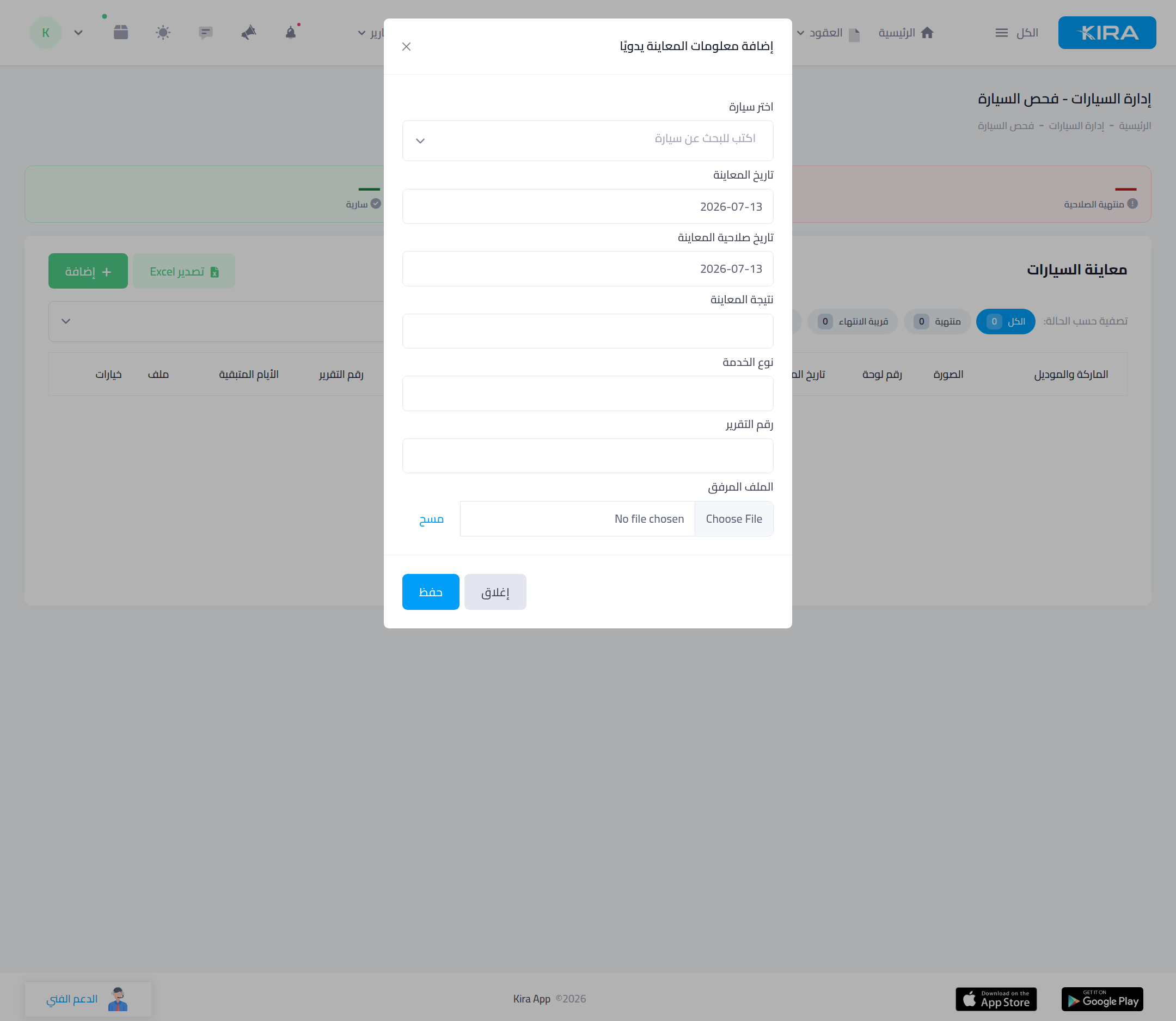
From “Cars → Car inspection”: indicator cards on top — valid · due soon (within 7 days) · expired — and a table of every inspection: inspection date, validity date, result, days remaining. Add one via “Add inspection info manually”, filter the list by status, and export to Excel.
Vehicle tax
From “Cars → Vehicle taxes”: track each car's tax — tax type, total amount, late-payment penalty, due date, tax period. Add one via “Add tax manually”.
Common mistakes
- Relying on memory: record each document's expiry the moment it's issued so the alert works.
- Ignoring the “due soon” indicator: renew within the 7-day window before the car is left without valid inspection/insurance.
- Not attaching the document: upload the policy/inspection image so you find it when needed, not by digging through papers.
⬅ Next in the series: Part 4: The Cars List and Their Statuses
Previous: Part 2 — Prices and Price Lists · Series index